Know what’s on
A real program guide
Load XMLTV feeds automatically or by URL. Browse now and next in the channel list, open a full timeline grid, jump across days, set reminders, and watch archived programs when your provider supports catch-up.
Apple-native IPTV player
A fast, organized IPTV experience designed for the Apple screens you already use. Version 1.0 starts on Mac, with native iPhone, iPad, and Apple TV apps planned after approval.
Mac version requires macOS 14 Sonoma or later · Bring your own content

Everything your playlist was missing
AccuStreamTV takes the rough edges off provider playlists and gives them the navigation, context, and playback controls a proper Apple app should have.
Know what’s on
Load XMLTV feeds automatically or by URL. Browse now and next in the channel list, open a full timeline grid, jump across days, set reminders, and watch archived programs when your provider supports catch-up.
Your provider, your way
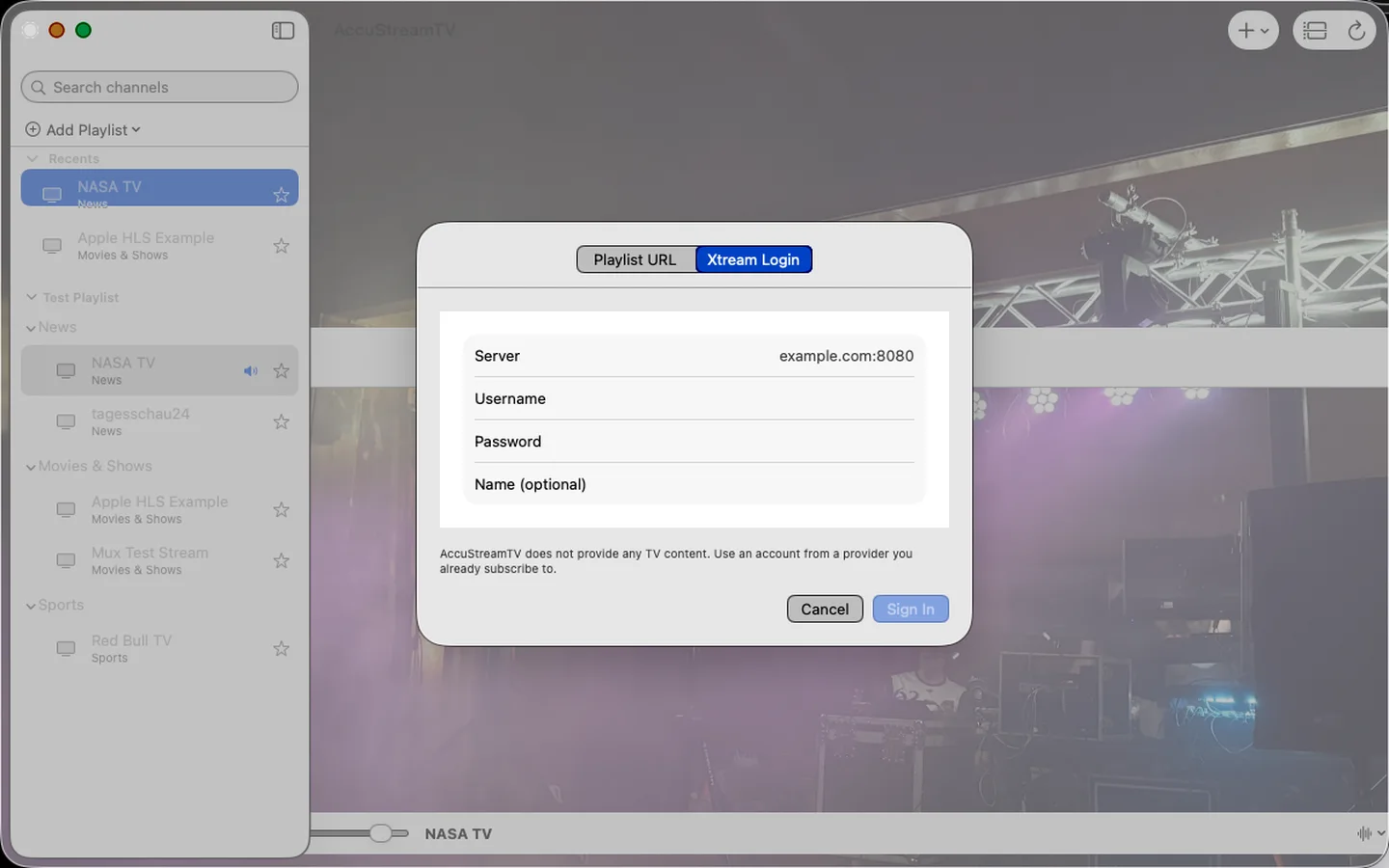
Open a local M3U file, paste a remote M3U or M3U8 URL, or sign in to an Xtream Codes account you already have.
Big lineups, small effort
Search thousands of channels in an instant, fold provider groups, keep favorites close, jump through recents, and hide the clutter.
Private by architecture
No AccuStreamTV account. No ads. No analytics SDK. No tracking. Playlists and viewing state stay in the app sandbox. Provider passwords live in Keychain, and playback connects your device directly to the provider you chose.
A player, not just a list
Full screen, floating mini-player, audio and subtitle tracks, aspect ratio controls, number-key tuning, last-channel flip, sleep timer, and automatic live-stream reconnection.
One product across Apple platforms
The Mac interface shown here is the first release, not the final boundary. Native iPhone, iPad, and Apple TV versions are planned to follow after approval, with layouts and controls shaped for each screen.

Beyond live channels
If your Xtream provider offers movies, series, guide data, or archive playback, AccuStreamTV brings those extras into the same focused experience.
Organized groups, logos, favorites, recents, and a player built to recover from an interrupted stream.
Browse provider libraries by category, search the catalog, and resume movies and episodes where you stopped.
Open a past program from the guide and play it when that channel and provider expose a TV archive.
Set a local notification from the guide so the show you meant to catch does not quietly pass you by.
Release availability
AccuStreamTV will launch first on the Mac App Store. Native iPhone, iPad, and Apple TV versions are planned to follow after approval. Apple will show download and purchase details when each release is available.
Native desktop experience for macOS 14 Sonoma or later.
Native touch-first versions planned after approval.
Native living-room version planned after approval.
Straight answers
AccuStreamTV is the player. Your provider is the source.
No. AccuStreamTV is a player for IPTV playlists you provide. It does not include, sell, or promote any TV channels or content. You need a playlist or account from a provider you already use.
You can open a local M3U file, add a remote M3U or M3U8 URL, or sign in to an existing Xtream Codes account. Program guide data comes from XMLTV feeds, including compressed XMLTV feeds.
There is no AccuStreamTV account, analytics service, advertising SDK, tracker, or first-party streaming server. Your playlists and settings stay on your device. Provider passwords are stored in Keychain. When you load or play something, your device connects directly to the provider you chose.
Core M3U playback works with compatible stream URLs. Guide data needs an XMLTV feed. Movies, series, and catch-up depend on what an Xtream provider exposes. AccuStreamTV cannot add catalog or archive features that a provider does not offer.
Mac ships first, and AccuStreamTV 1.0 requires macOS 14 Sonoma or later. Native iPhone, iPad, and Apple TV versions are planned to follow after approval. Each release remains subject to its own platform review and availability.
The first release is planned for the Mac App Store. Native iPhone, iPad, and Apple TV versions are planned to follow after approval. Apple will display download and purchase details when each version is available.

Your lineup deserves better
Beginning on Mac. iPhone, iPad, and Apple TV planned next after approval.
See availability